
Keeping the Voiply Desktop App up to date helps it run smoothly. You can also log out any time you need to step away or sign in fresh. This guide shows you how to do both.
This article is for customers on a Voiply Premier plan.
Before you start
Open the Voiply Desktop App and make sure you are signed in.
Update the Voiply Desktop App
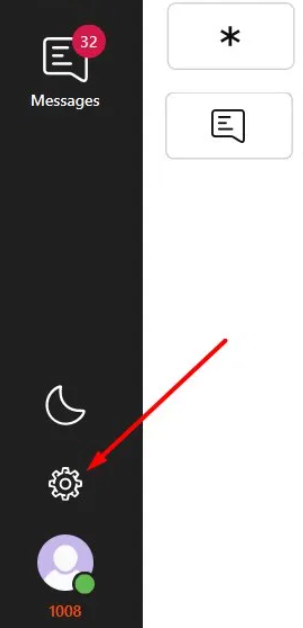
- In the app, click the gear (Settings) icon at the bottom of the left sidebar.
- Open the About section. You will see whether your app is current. When it is, it says "Application is already up to date." To check for a newer version, click Check for update.
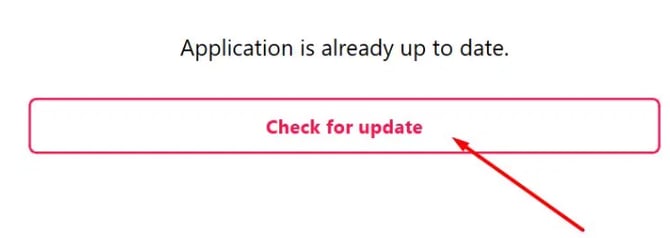
- The app checks for a newer version.

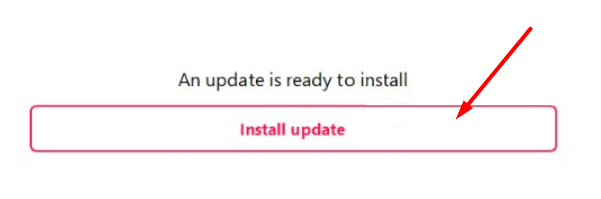
- If an update is available, you will see "An update is ready to install." Click Install update, then follow the prompts to finish.
Log out of the Voiply Desktop App
Logging out signs you out of the app and brings you back to the sign-in screen. This replaces the old Reprovision option. If you ever need to refresh your connection, log out and then sign back in.
- In the app, click the gear (Settings) icon at the bottom of the left sidebar.
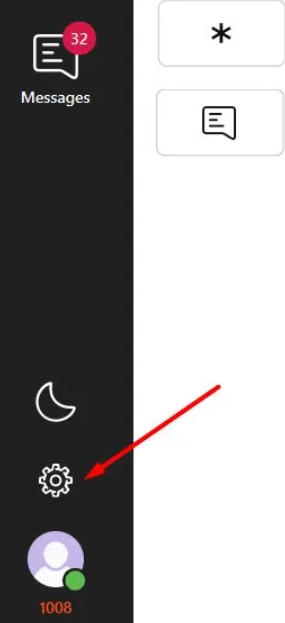
- In the Settings menu, click Log out.
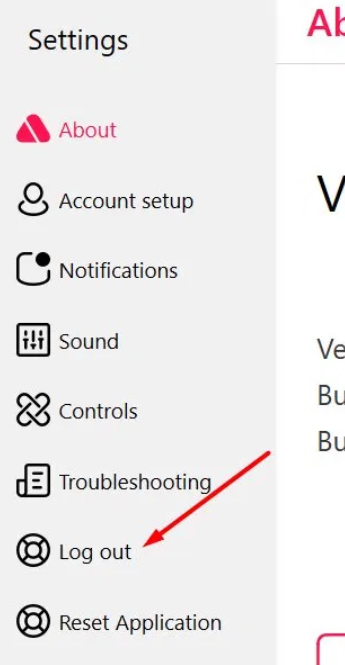
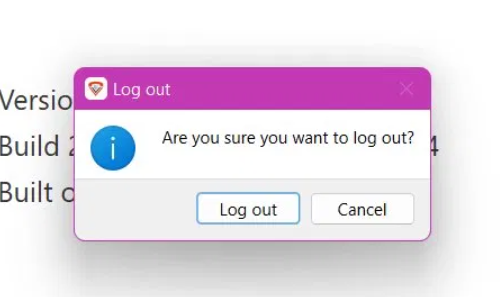
- When the app asks if you are sure, click Log out to confirm.
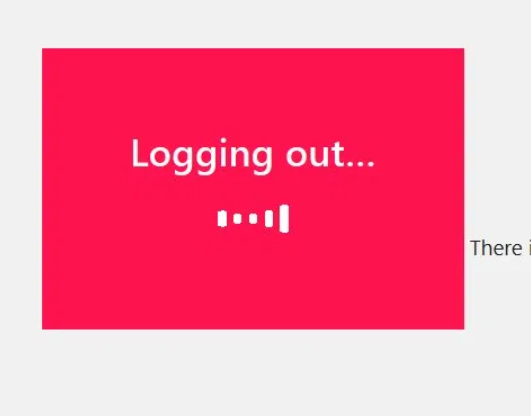
- The app signs you out.
- You will land back on the sign-in screen. To use the app again, just sign back in.
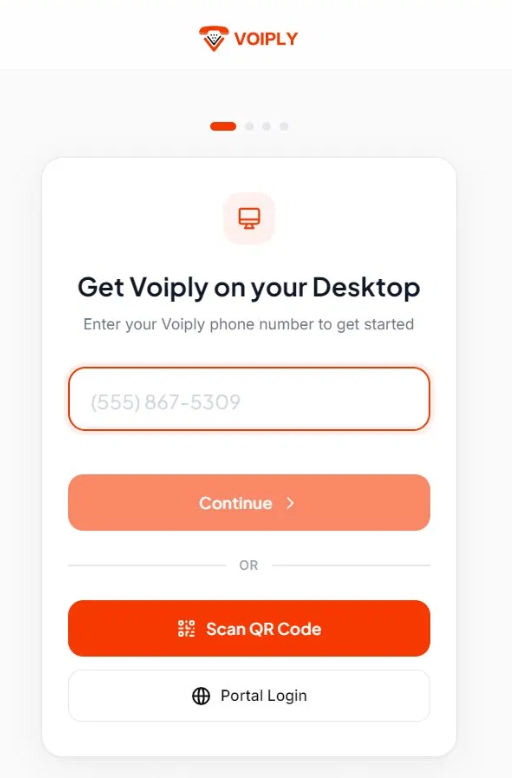
Need help signing back in? See How Do I Set Up the Voiply Desktop App?.
A note on Reset Application
In the Settings menu, you may also see Reset Application, just below Log out. This is not the same as logging out. Reset Application clears all data stored in the app, including your account and settings, and returns you to the setup screen. You would also need to sign in again afterward.
For everyday sign-out, use Log out. If you do need a full reset, such as when switching accounts or if Voiply Support asks you to, follow the steps in How to Reset the Voiply Mobile and Desktop App.
Need help?
If you get stuck, we are happy to help.